
Description
Error #928 indicates that an abnormal condition occurred on the mainboard during operation or data transmission.
This article will help you identify and troubleshoot possible causes.
If following this article does not immediately resolve your issue, completing the steps below will collect valuable information to help the FLUX support team diagnose the problem more effectively.
Possible Causes:
|
⚠︎ Caution: Do not attach or detach the printing module while the blue light is on. Please power off the machine or wait until the blue light turns off. 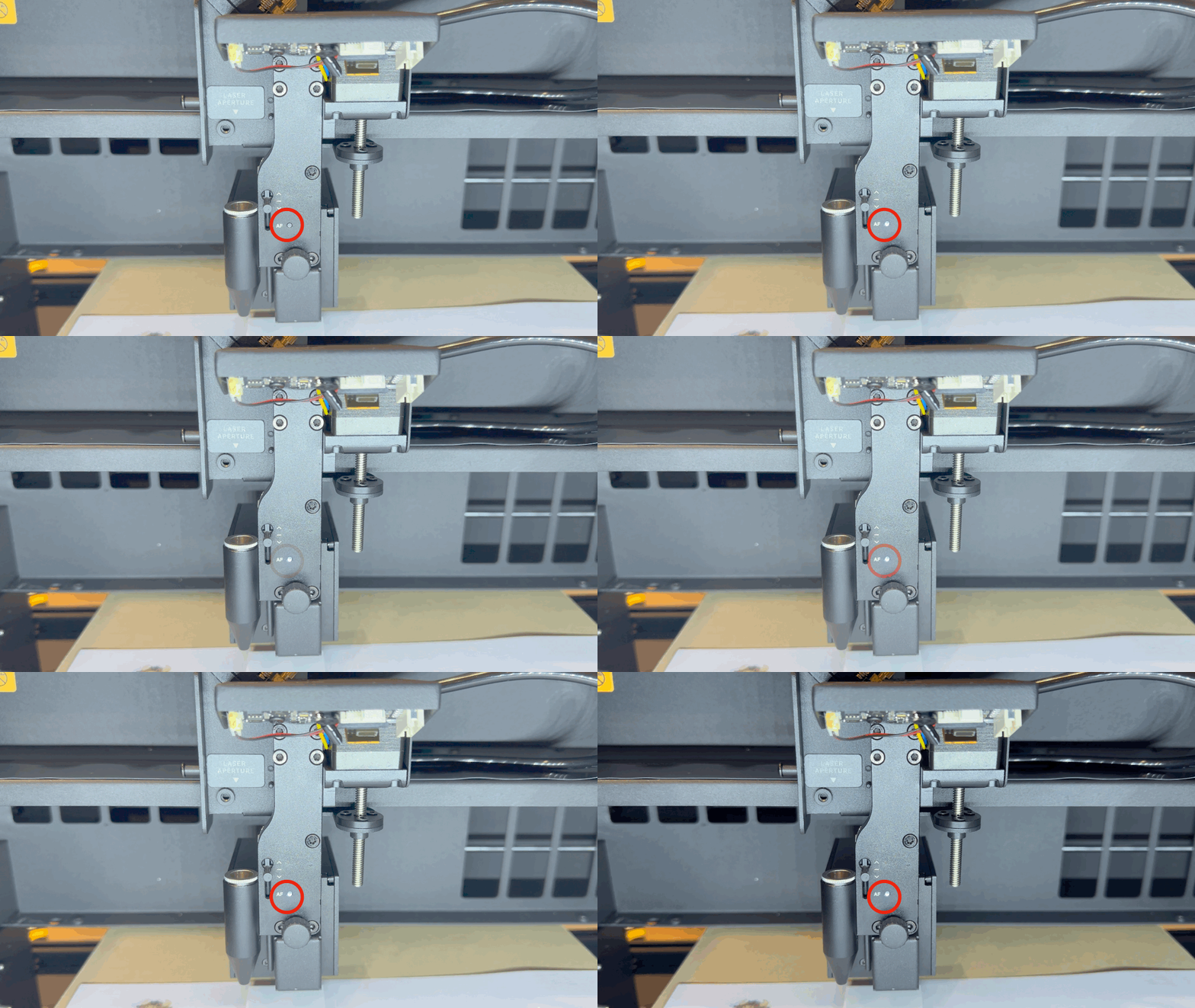
Step 1 – Restart the Machine
Turn off the machine and restart it.
Step 2 – Update the Firmware
Please update your machine’s firmware to the latest version.
For detailed instructions, refer to: 4-7 Firmware Update
Step 3 – Contact Support
If the issue persists, please contact your reseller or FLUX Support for further assistance.
FLUX Support Contact: Contact Support
#END
Comments
0 comments
Please sign in to leave a comment.